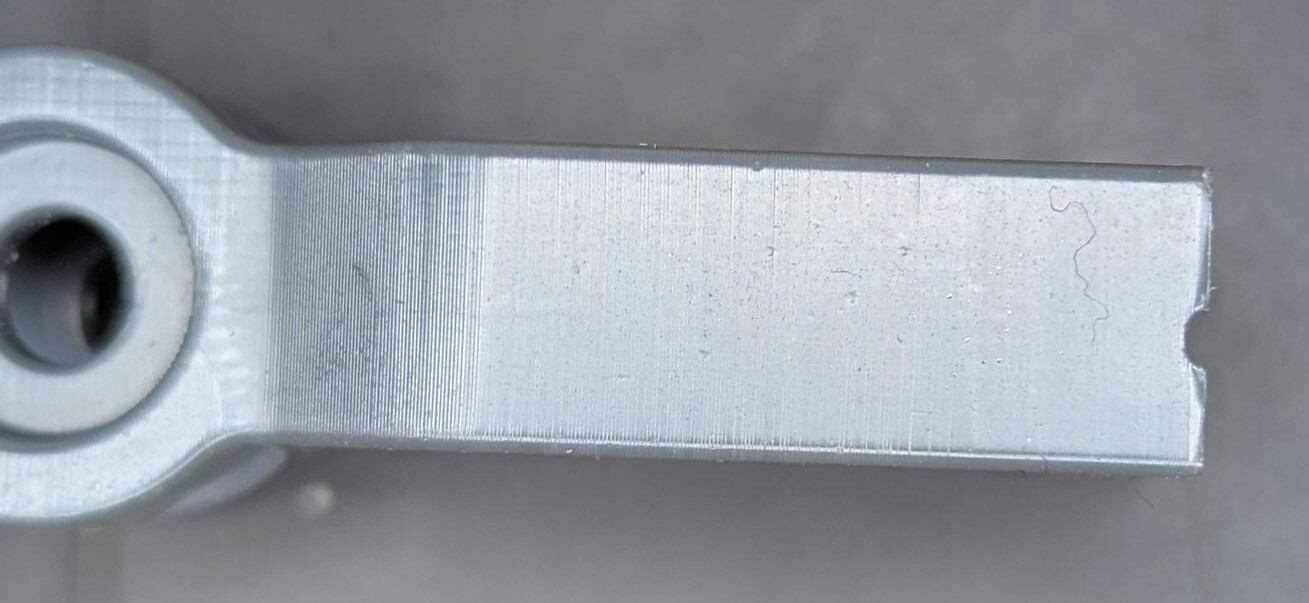
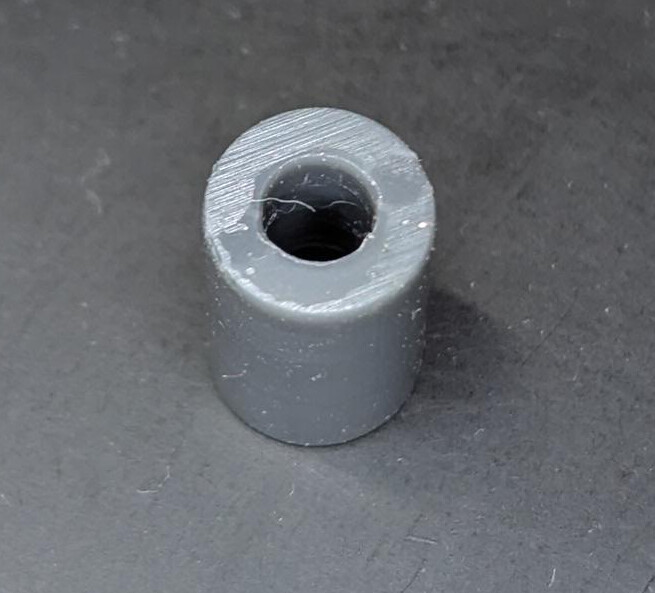
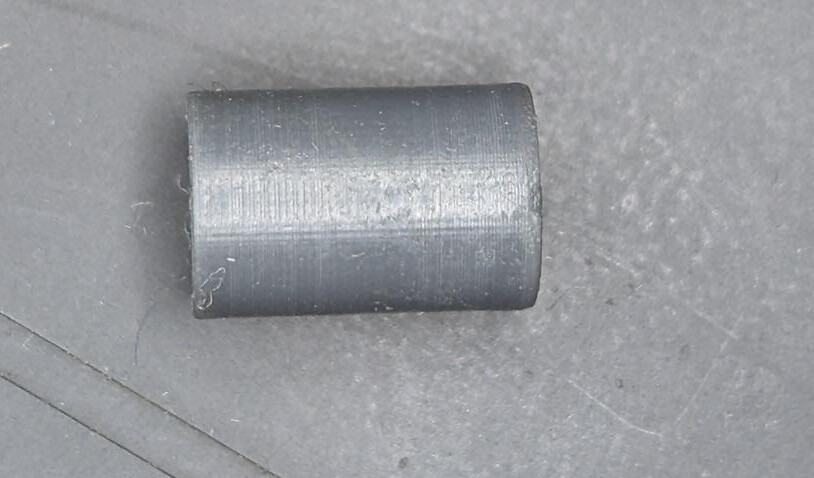
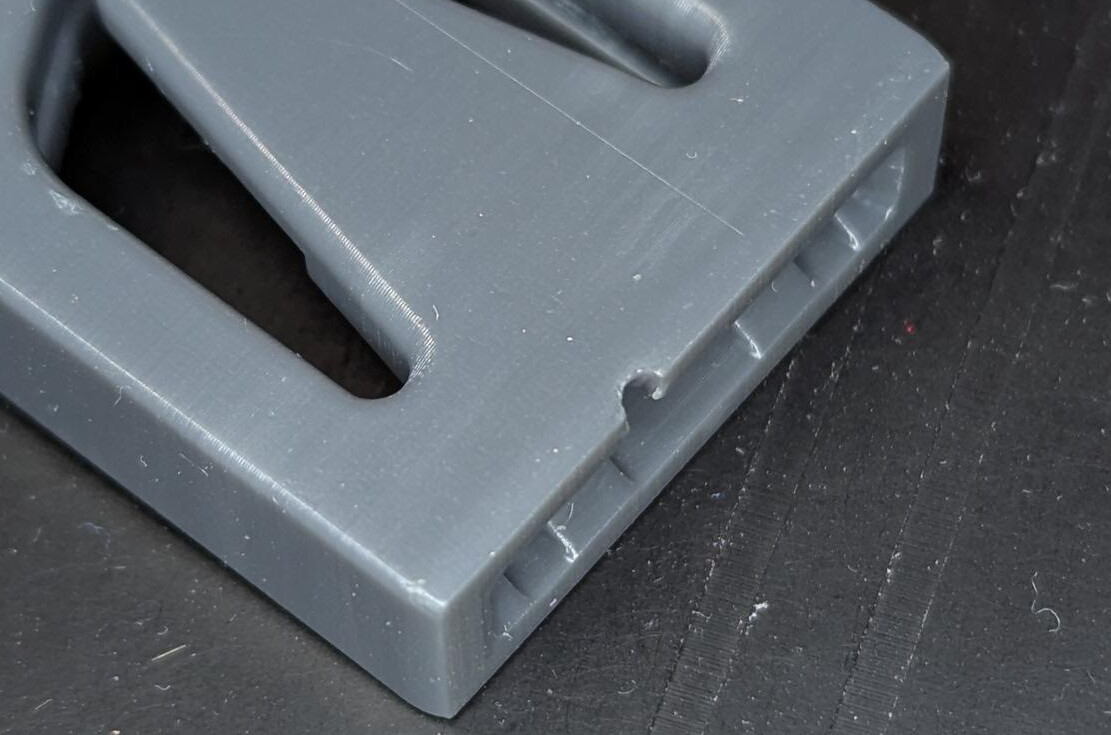
I am new to the Form 4 and we are using it to evaluate the Form 4L as a production system for final parts. This post is a request for experienced people, especially including Formlabs staff, to chime in what I hope could be a useful reference on support techniques for:
- Form 4 series printers
- Engineering resins
- Final production parts
I will state my personal goals for this kind of printing but obviously anyone else is free to provide their own preferences and context in the topic.
- Dimensional accuracy is a high priority. We need these parts to repeatably fit other parts, such as dowel pins, washers, bushings, sheet metal edges etc.
- Mechanical strength. We need to print / support / post-process in a way which will achieve full properties of the materials.
- Process reliability. This applies both to ensuring a high yield in full beds on a Form 4, as well as the success rate and ease of support removal by technicians.
- Material efficiency. The support strategy for production parts in engineering resins should seek to minimise the resin used in supports/rafts, to save money and reduce impact on the environment.
- A slightly lower priority is aesthetic finish. We can allow for support contact areas that are marred by support “witness marks”. However, if we can design to minimise the perception of witness marking, we would like to explore that.
So, here are the useful resources I have found so far:
- Formlabs video on custom tearaway supports for silicone parts. I think this is fantastic content and would love for Alex McCarthy or another member of the print optimisation team to get in touch on here or make more content like this about other materials and structures.
- Uncle Jesse video showcasing a method proposed by Hugh Evans to create continuous support edge interfaces that create clean finished mechanical part surfaces.
The reason I think this is worthy of disussion is because I see videos of large full-plate batches of parts with minimal to no support structure, or very detailed support structure shown. Can the print optimisation experts help with this? Examples:

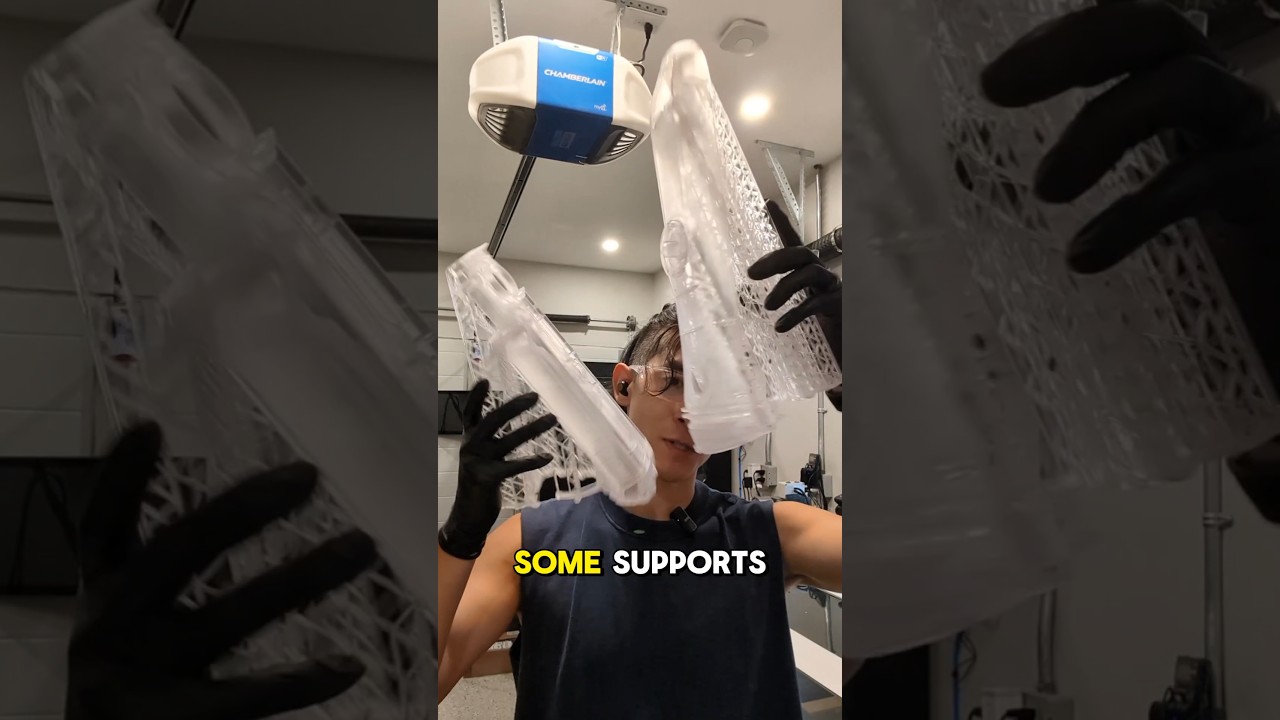
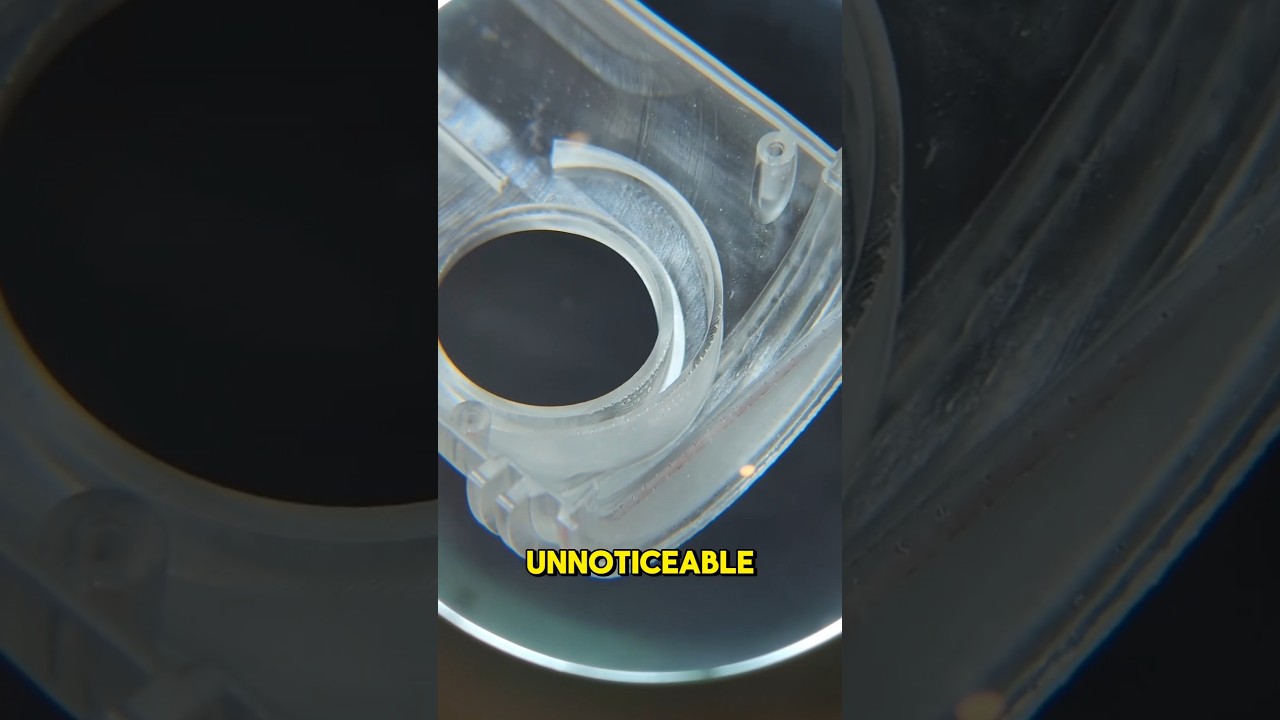
From optimum on YouTube (also featured by Formlabs in a Short, recently). Ali (the channel presenter) says he’s spent as much time tuning the support structure as the part, which clearly results in rewards as his parts look very clean once support is removed.
Notice how he appears to have continuous support around the scroll wheel rims and under the lower button surfaces.

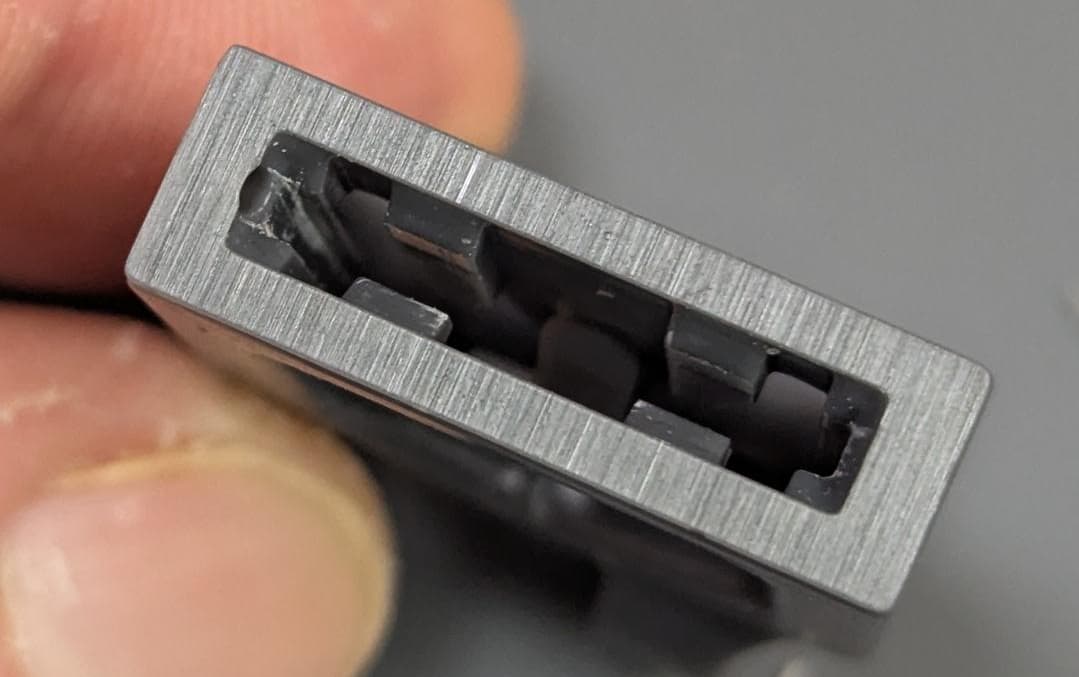
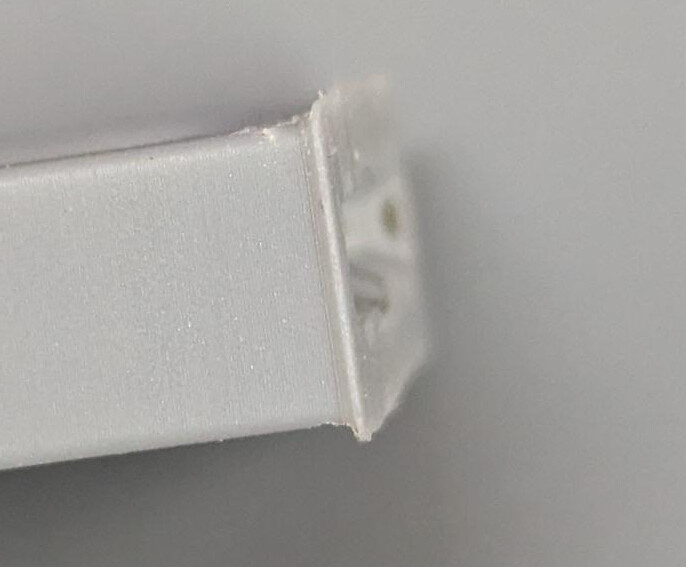
In this Formlabs Short, they clearly show parts which do not appear to have massively high surface area against the build plate (relative to their cross sectional area further up the print) being printed reliably in large batches.


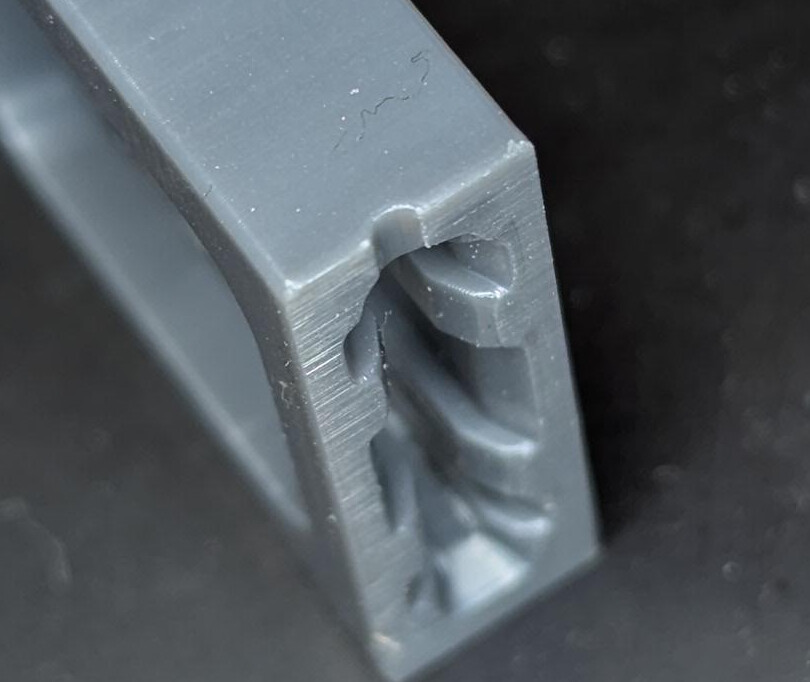
How do they plan this and achieve a good taper at the end of the black part? I get “elephants foot” when I print straight on the bed (as recommended by Alex McCarthy in the video above, and how I would like to continue to print). I understand that vertical compression and early layer unioning are part of the considerations when printing straight onto the build plate but it would be really helpful if the print optimisation team could provide more guidance on how to factor this into design and slicing. What rules of thumb are there about e.g. build plate contact area vs cross sectional area of higher layers? What adjustment to the first millimetre or so should you make to compensate for the higher curing levels needed to ensure good print adhesion?
I’m sure there are tips scattered across this forum but from my search about support strategies for production parts haven’t found much. Hoping this is also of interest to @revel and @jessbuck following their recent discussion.