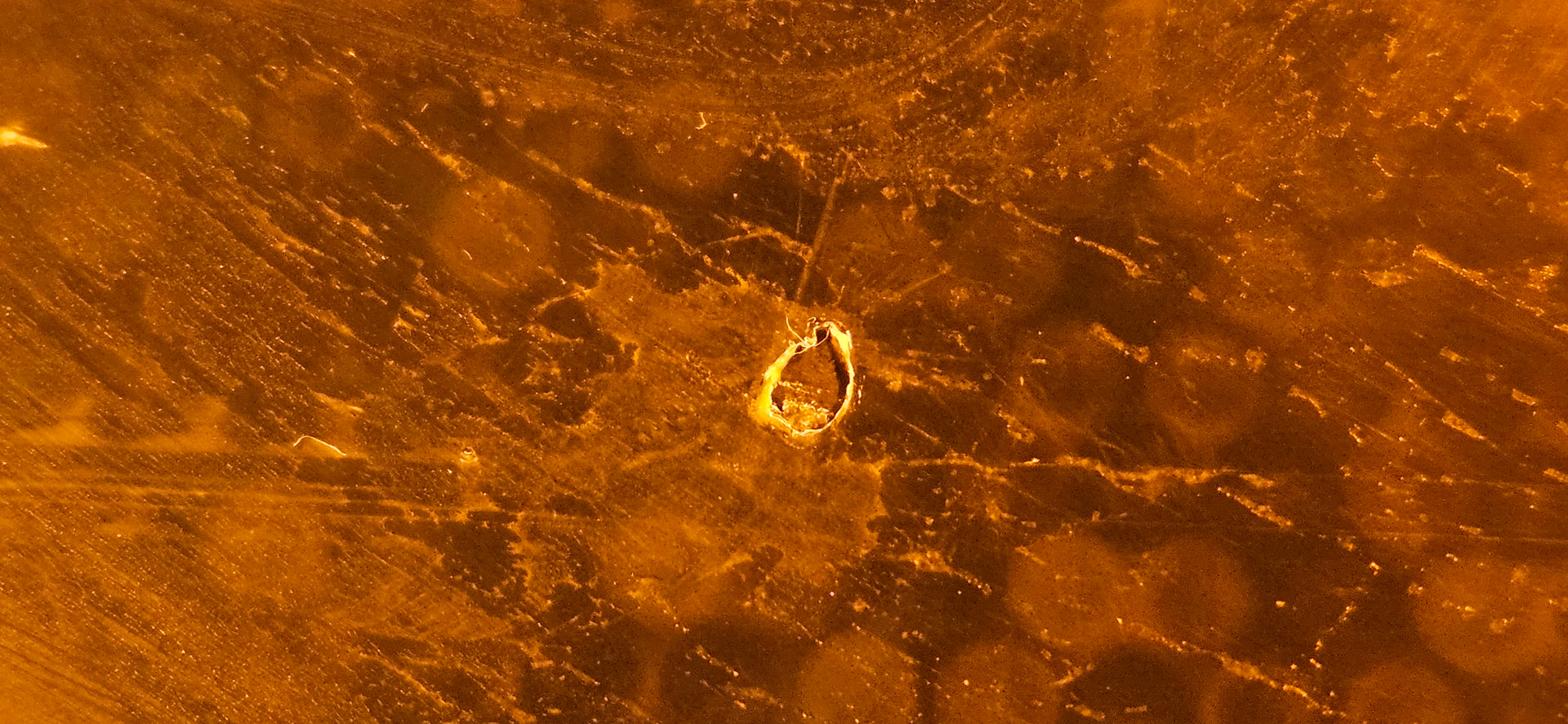
I’m using a Form 4L and recently ran into a problem with the resin tank.
At first, the printer showed a “debris in resin tank” error, so I tried running the cleaning sheet process. But it didn’t really solve the problem.
After checking the tank, I noticed that the film at the bottom may be slightly damaged. Now there is some cured resin firmly stuck to the bottom of the tank, and it’s very hard to remove. It doesn’t look like normal loose debris anymore.
From what I can tell, the cleaning sheet is no longer peeling things off properly. My guess is that the bottom film may already be damaged, which is why the resin is sticking there.
Hi @cfan , sorry to hear you’re having issues, I’ll do my best to help. Please check out our support article Resin tank damage and wear (Form 4 and Form 4L generation). Based on your pictures and your description, it looks like you’re dealing with “Gouges and punctures through film layer”.
However, so we can best advise you what could have been the cause and if you can continue using this tank (for now I think it was wise not to use it anymore), please clean and inspect your resin tank by following this guide, and contact our support team with pictures of the tank without resin by opening a case here.
I’ve encountered the same issue on the Form 4L. Small spots of cured resin are stuck on the tank that won’t lift with Cleaning Sheet, and I’ve tried printing over the stuck resin to see if they would peel off with the print, but no success there.
I’ve tried using a plastic scraper and a fine nylon guitar pick to carefully lift the resin off the film, resulting in some of the film coming off with the resin leaving a gouge.
Had this happen a month ago on a tank with rigid 10k and had it happen again this past week with another tank containing rigid 10k that only had 34 print hours and 6400 layers of use.
I have exactly the same on our Form4. In 3 different tanks, with 3 different materials. Clear, Black & Silicone 40A. Seems to be firmware related I think. Tanks have only 40 hours of printing time and between 3000 and 6000 layers.
@DLyster And I’m sorry to hear that you’re having damaged tanks. The best way for us to help is to create a support ticket. There can be multiple reasons this is happening, and they are individual to each printer.