Hi everyone
I recently bought a Form2 from a colleague at a makerspace I’m part of. It has not seen a lot of use. I already have a few years of experience working with Form3 and the standard Grey resin. I also make my own 3D-models and have been printing them for years with little issue.
The printer came with a Form2 LT resin tank filled with Clear V4 and an unsealed cartridge of Clear V4. If I’m reading the batch code correctly it expires in 2027. However, the tank has been stored in the machine for quite some time, and during transport of the printer I had to take the tank out and store it separately (in dark conditions) while driving. I didn’t want to risk the resin spilling onto the machine.
But I have done 3 test prints, 2 with mini rafts and 1 with full rafts, and they all have the same 3 issues:
- Supports become a gooey smear across the print platform
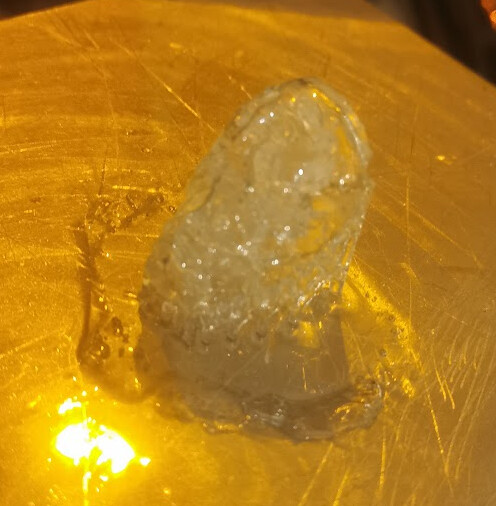
Print 1 Mini rafts 0.050mm layer height
Print 2 Full rafts 0.025mm layer height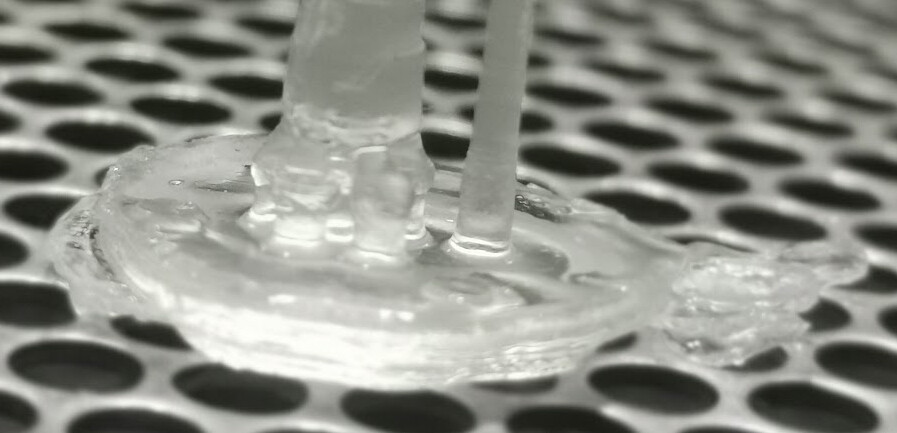
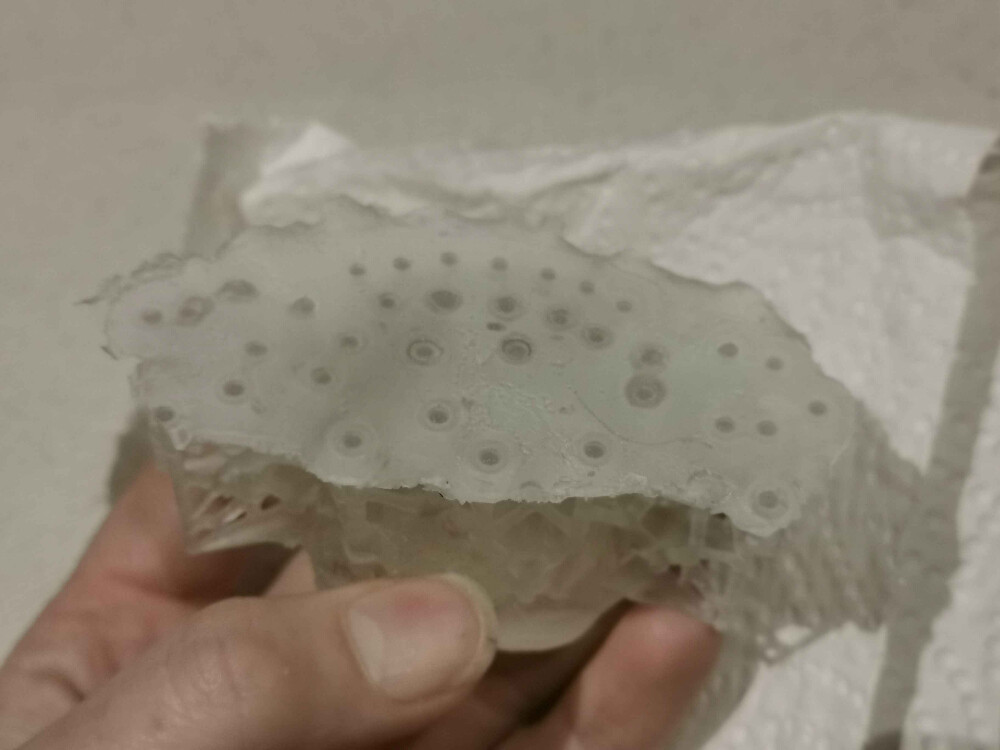
Print 3 Mini rafts 0.050mm layer height
- The contact points meld into the model like building limestone in a stalactite cave
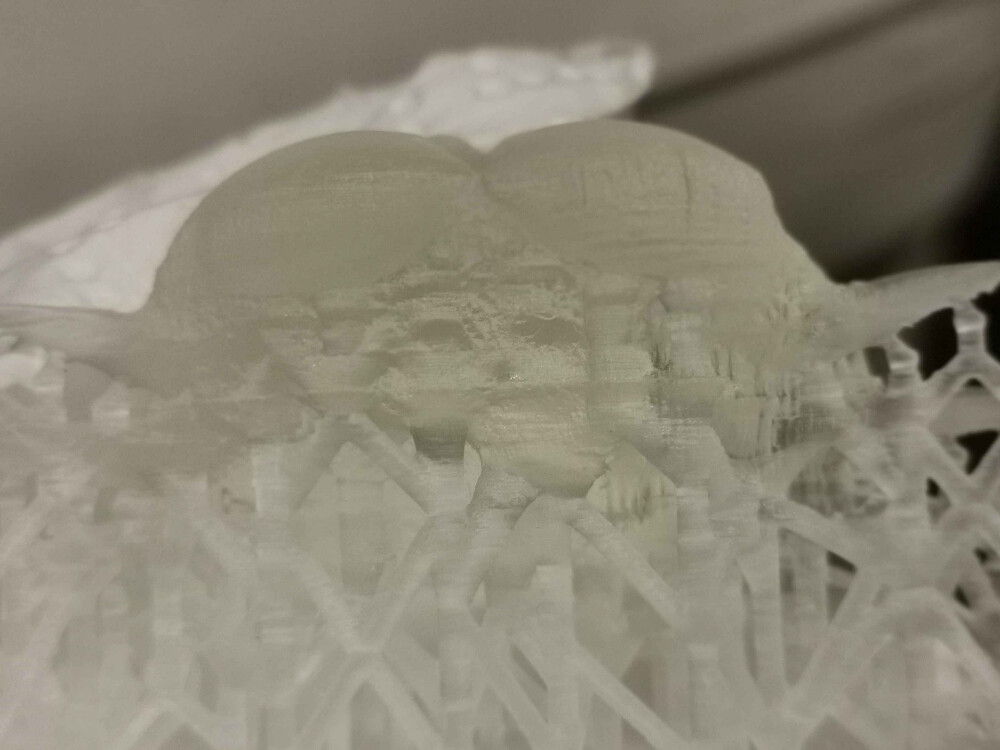
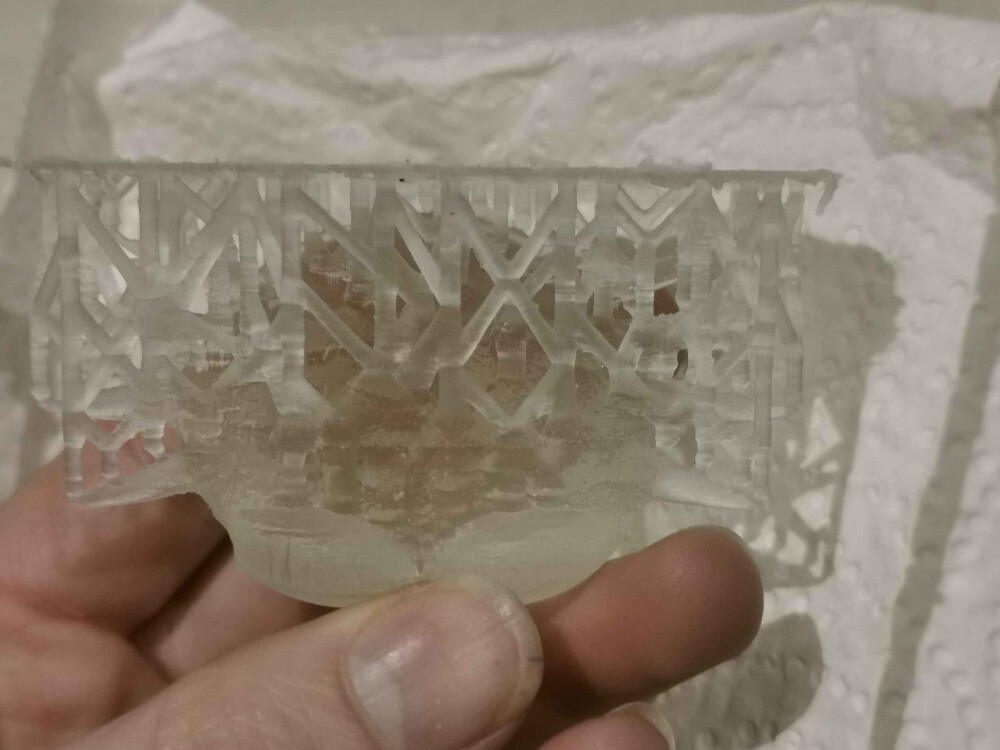
- Surface is extremely rough and it also seems like there was a huge shift halfway through
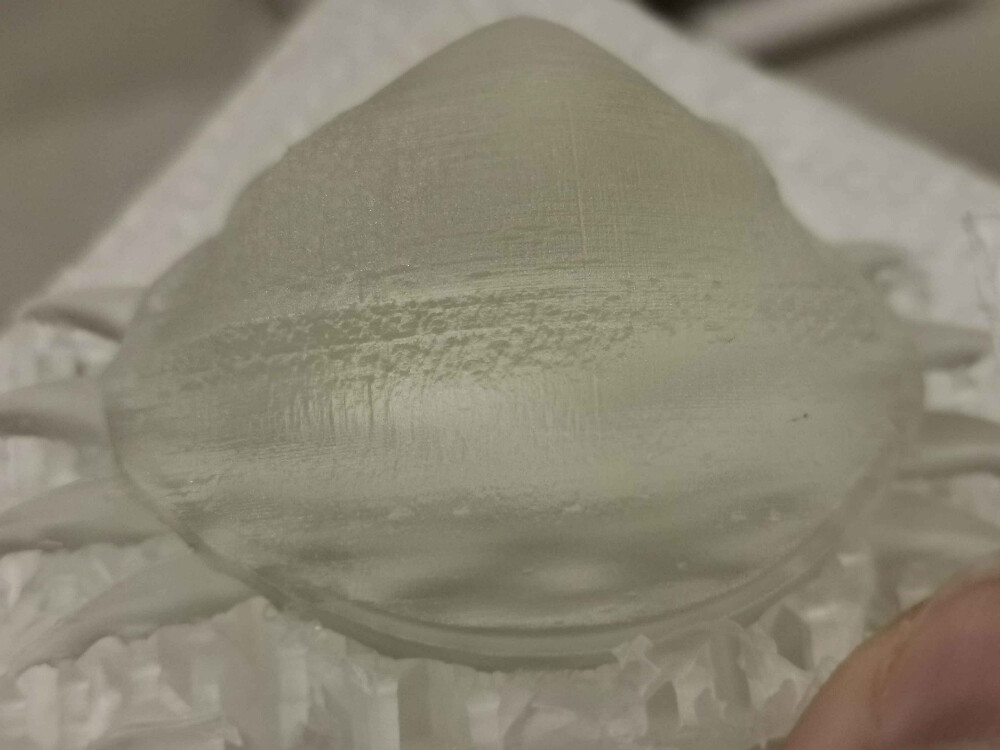
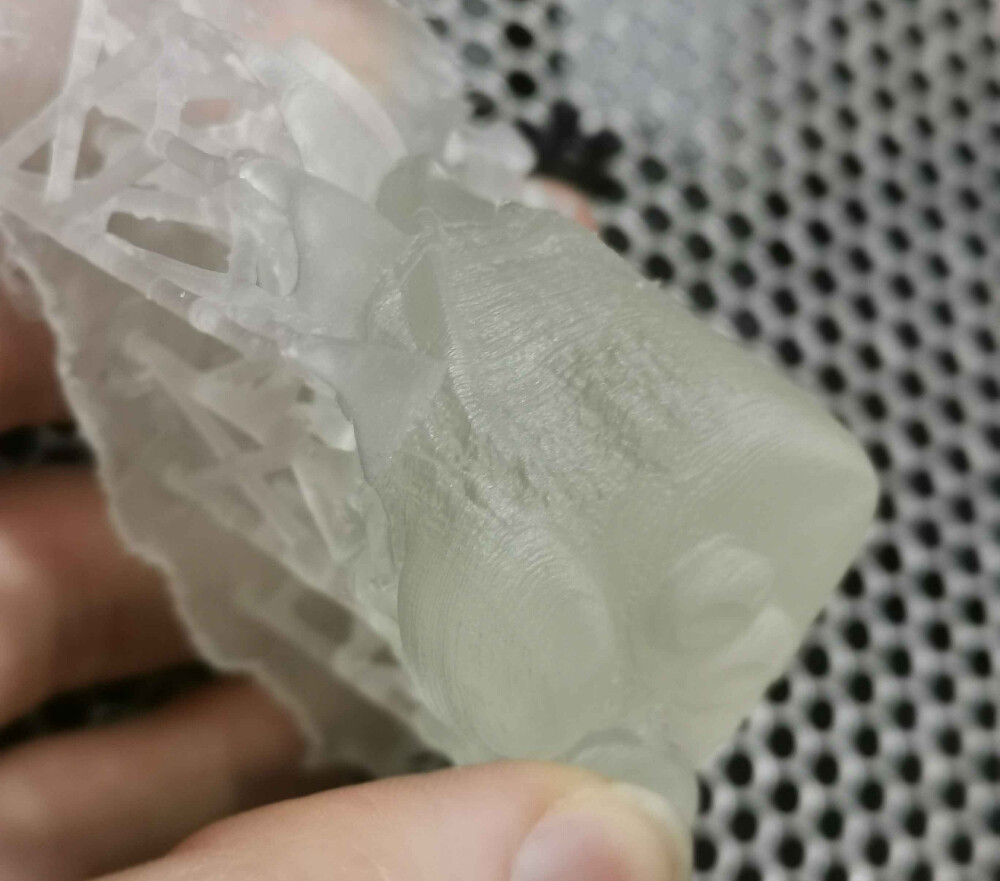
I’m aware that the first prints after moving a printer might be wonky due to it needing to “settle” but there has been no improvement whatsoever.
Firmware is also the latest.
My theory of what is wrong is either the resin has been exposed to too much sunlight or too much moisture. It did seem fairly thick, but I only have former experience with the standard Grey. I also noticed a lot of bubbles being produced by the paddle in the tank moving back and forth, but from what I could see from older forum posts this should not be an issue?
Another possible explanation could be that the tank’s underside needs to be cleaned, or the laser heads needs to be cleaned, but I want to hear with you guys first.
Any help appreciated.