Hi,
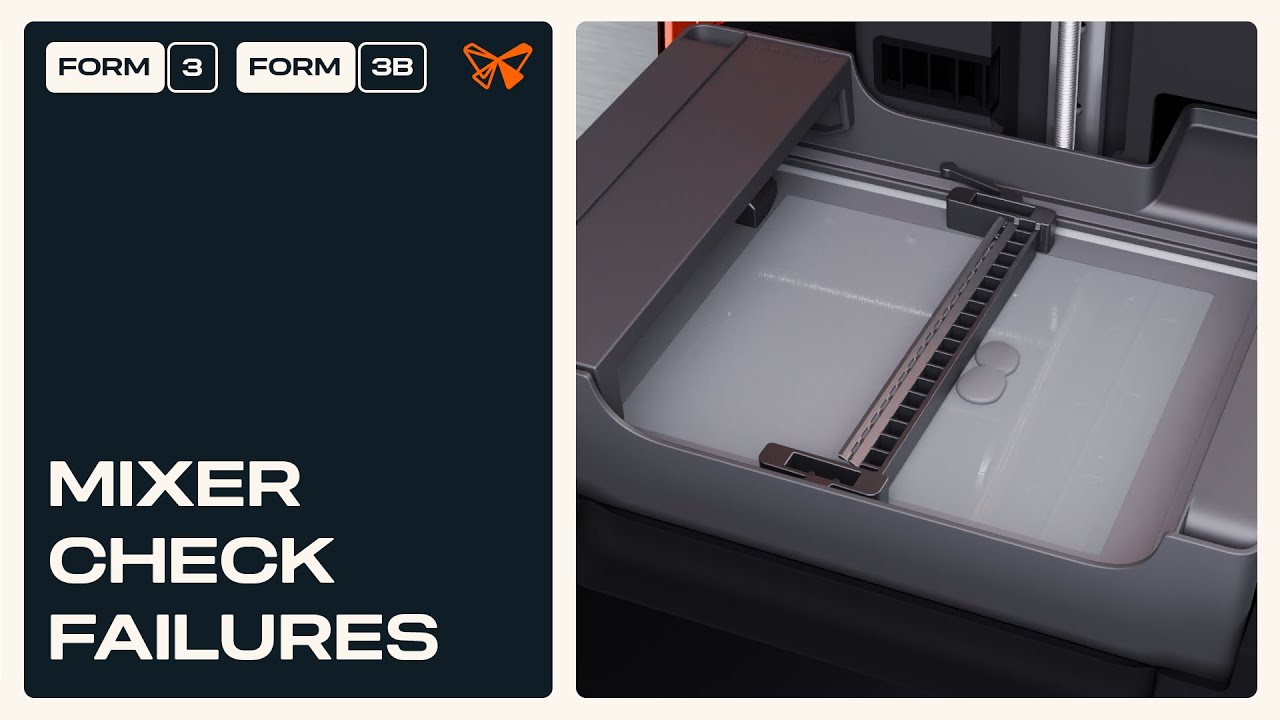
I have form3 printer and I kept having “Mixer Check failure” error whenever I tried to print.
I am quite sure that there was no obstructions during mixer moving but the error was happening.
So I bought a new resin tank and installed it.
However, I kept encountering the same Mixer check failure error every time I tried to print something with new resin tank installed.
I am very quite sure there was no obstruction in the tank.
I did the mixer calibration but it didn’t solve the problem.
I am wondering what should I do to resolve this issue?
I will appreciate if anybody can help me with this problem.
(FYI, I pressed “Ignore” button and I could get the printing done successfully)
Many thanks.